Smartphone repair
Phone basics, teardown & assembly, board components, charging & audio with measurements, boot path, measurements & best practices — 5 days.
View programPlayStation / Xbox service
Teardown & assembly, cooling, power faults, HDMI & storage, advanced repair & reassembly — 5 days.
View programBasics + phone teardown & assembly
Goals: understand phone construction; handle parts safely.
- Phone components in detail: display (LCD / OLED), battery, motherboard, flex (FPC)
- Screw types and disassembly methods
- Repair tools and correct use
- ESD protection
- Full phone teardown & reassembly step by step
- Identify every part inside the device
Confident teardown/assembly and solid knowledge of core components.
Motherboard parts + removal & soldering
Goal: recognise board parts and learn to remove and reinstall them.
- ICs: main circuits (charging / power)
- Resistors: current regulation
- Capacitors: voltage stabilisation
- Coils: power circuits
- Connectors: linking modules (display, battery, …)
Remove → clean → solder.
Important: no excessive heat — no force-pulling — avoid shorts.
- Remove and replace a resistor or capacitor
- Temperature control exercises
You can remove and solder small parts safely.
Charging & audio faults using measurements
Goal: accurately diagnose charging and audio issues with a multimeter before any repair.
- Charging: charge port, charging IC, battery
- Audio: earpiece, microphone, buzzer
- Visual inspection first (corrosion, mechanical damage)
- Continuity / resistance (Ω) on inputs and outputs
- Voltage checks at the charging IC or audio stages
- Pinpoint the fault before soldering or replacing parts
- Disconnect the battery before measurements
- Avoid excessive heat during repair
- Log readings to compare with a known-good phone
- Measure the charge port
- Measure earpiece and microphone
- Isolate the fault and prepare for repair
You can locate the fault precisely and choose the right fix using voltage and resistance.
Boot chain & board components
Goal: diagnose and repair phones that will not boot.
- Battery
- Charging IC
- Power IC / PMIC
- CPU
- RAM
- Storage (Flash)
- Visual inspection of parts
- Voltage and diode-mode readings on battery and key ICs
- Verify CPU, RAM and storage health
- Clean, solder or replace damaged parts
Understand the boot chain; diagnose accurately; service battery, charging and power ICs safely.
Measurements + skills + guidelines
- Voltage: battery, power rails, supply points
- Resistance: detect shorts and opens
- Component checks: resistor, capacitor, diode, coil, IC
- Repair skills: opening devices, fault tracing, multimeter use, small-part removal & soldering
- Guidelines: measure first, disconnect battery, controlled heat, avoid guessing
- Buying tools & parts: trusted references and suppliers
Solid measurement habits, core repair skills, accurate diagnostics, ready for workshop work.
Smartphone repair training — overview video

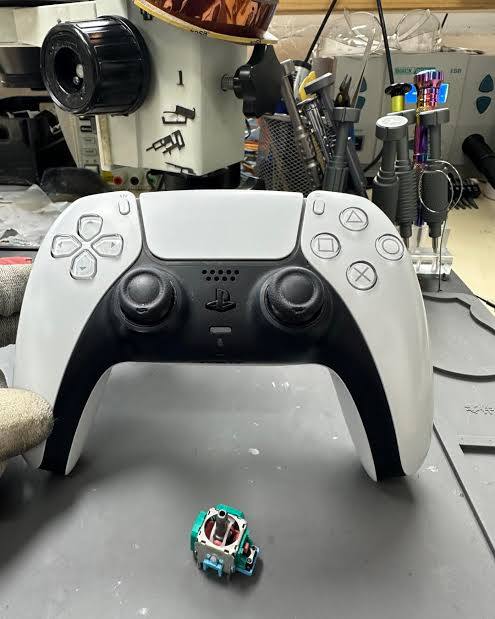
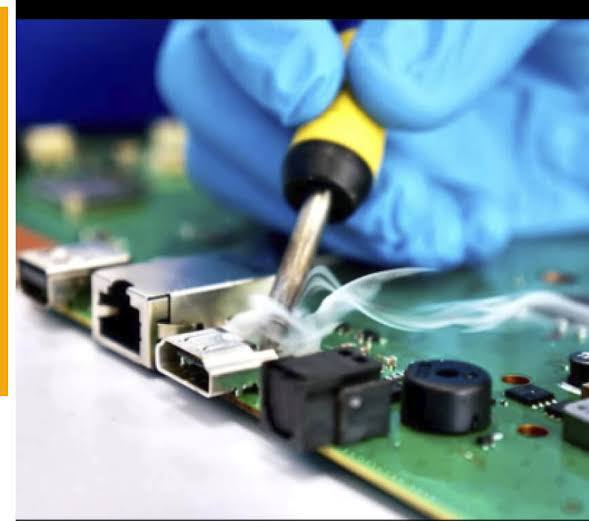
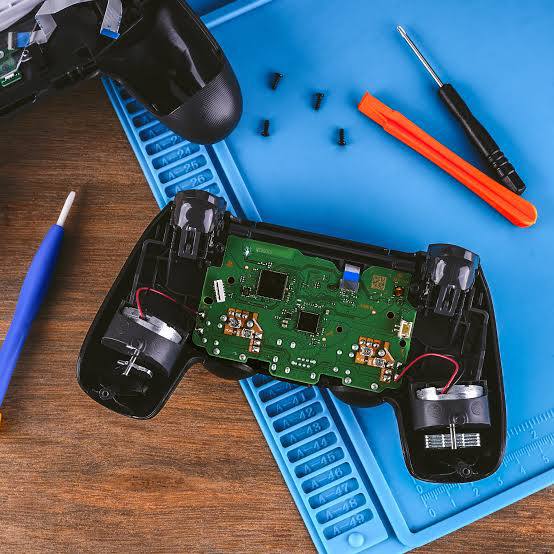
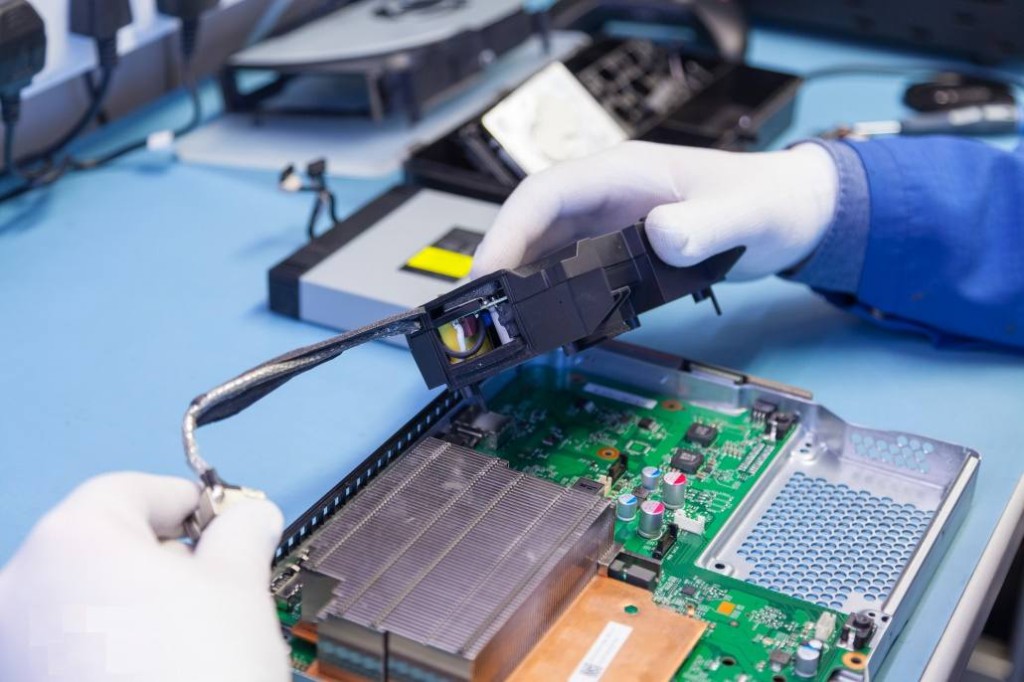
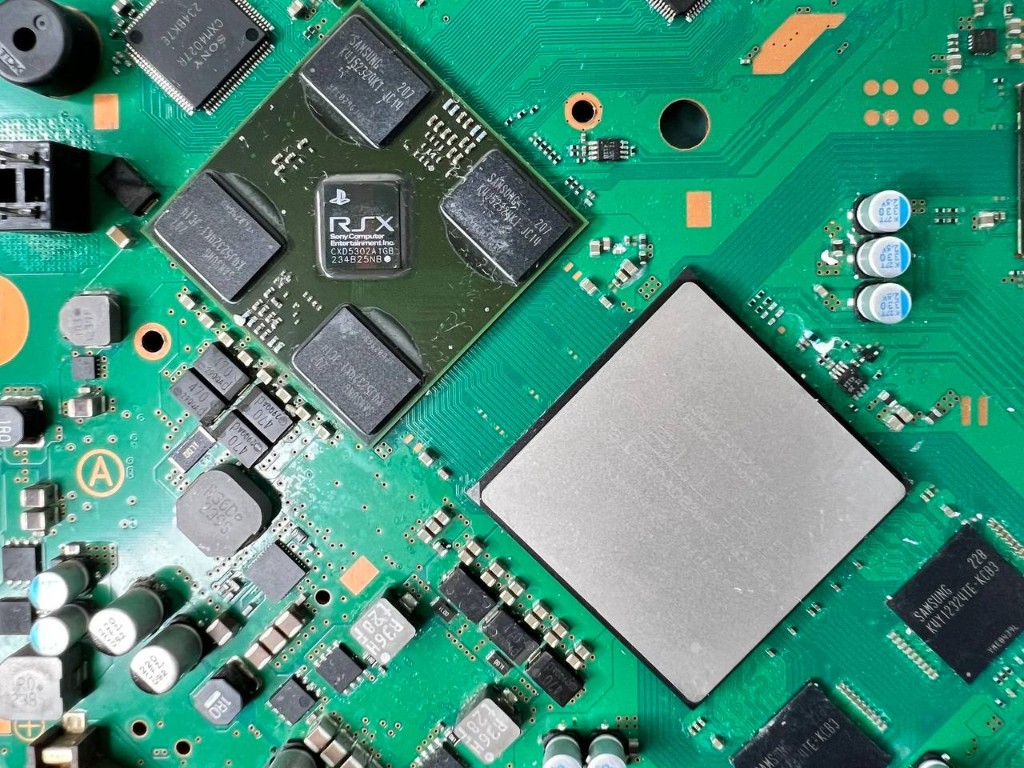
Know your console + teardown & assembly
Goal: understand console layout and open the chassis safely.
- Device families: PlayStation / Xbox
- Key parts: PSU, motherboard, CPU / APU, RAM, storage (HDD / SSD), cooling system
- Screw types and tamper protection
- Teardown and reassembly without damage
Safe teardown with a clear map of major components.
Cooling system & thermal issues
Goal: understand heat-related failures.
- Fan
- Thermal paste
- Heatsink
- Common causes of overheating
- Internal cleaning
- Thermal paste replacement
- Fan inspection
Clean consoles, repaste, and check fans with confidence.
Power-on faults (power issues)
Goal: diagnose consoles that will not power on.
- Power supply unit (PSU)
- Fuses
- MOSFETs
- Power stages on the motherboard
- Voltage measurements
- Short detection
- Isolating the root cause of no-power
Trace no-power issues methodically with measurements.
Video, audio & storage faults
Goal: troubleshoot display and storage problems.
- HDMI port — common failures
- GPU / APU
- RAM / memory errors
- HDD / SSD storage faults
- HDMI port inspection
- Drive testing
- Video path diagnostics
Check HDMI and drives and follow the video/storage signal path.
Advanced repair + full reassembly
Goal: apply end-to-end service workflow.
- Complex faults (no display / no power)
- Reballing — introduction
- Soldering & hot air
- Full chassis cleaning
- Repair a full fault from diagnosis to successful boot
- Complete reassembly
- PlayStation / Xbox teardown & assembly
- Power and thermal diagnostics
- Video and storage checks
- Fixing common hardware faults
Hands-on practice from opening the console to a successful power-on.
Register for hardware training
Enter your details and choose a track. We will contact you to confirm your seat.